📢 useReducer : 요청 상태에 따라 관리하기.
- react의 고급기술인 리덕스에서 자주 사용.
- 기본구조
const reducer = (state, action) => {
    switch(action.type) {
        case "INCREMENT":
            return state + 1;
        case "DECREMENT":
            return state - 1;
        default:
            return state;
    }
}

const [state, dispatch] = useReducer(reducer, initialState);

//state : 현재 상태 값 => 변수
//action : dispatch 함수로 받을 액션
//dispatch  : state 값을 업데이트 하고, 재렌더링을 촉발하는 함수
📢 실습
- 카운터 컴포넌트 구현 예제
//Comp2.jsx
import React from 'react';
import './comp.css';
import Counter from './Counter';
import Input from './Input';
import Color from './Color';
import Input2 from './Input2';
import Counter2 from './Counter2';


const Comp2 = () => {

    return (
        <div className='comp2'>
            <div>Comp2 영역입니다.</div>

            <Counter2 />
            <hr />
            <Counter />
            <hr />
            <Input />

            <hr />
            <Color />

            <hr />
            <Input2 />
        </div>
    );
};

export default Comp2;
//Counter2.jsx
import React from 'react';
import { useReducer } from 'react';
function reducer(state, action){
switch(action.type) {
case "INCREMENT":
return state + 1;
case "DECREMENT":
return state - 1;
default:
return state;
}
}
//위와 같음
// const reducer = (state, action) =>{
// }
const Counter2 = () => {
const [ count, dispatch ] = useReducer(reducer, 0);
const increment = () => {
dispatch({ type : "INCREMENT"});
}
return (
<div className='counter2'>
<h1>{count}</h1>
<button onClick={increment}>+</button>
<button onClick={ ()=>{dispatch({ type: "DECREMENT" })} }>-</button>
</div>
);
};
export default Counter2;
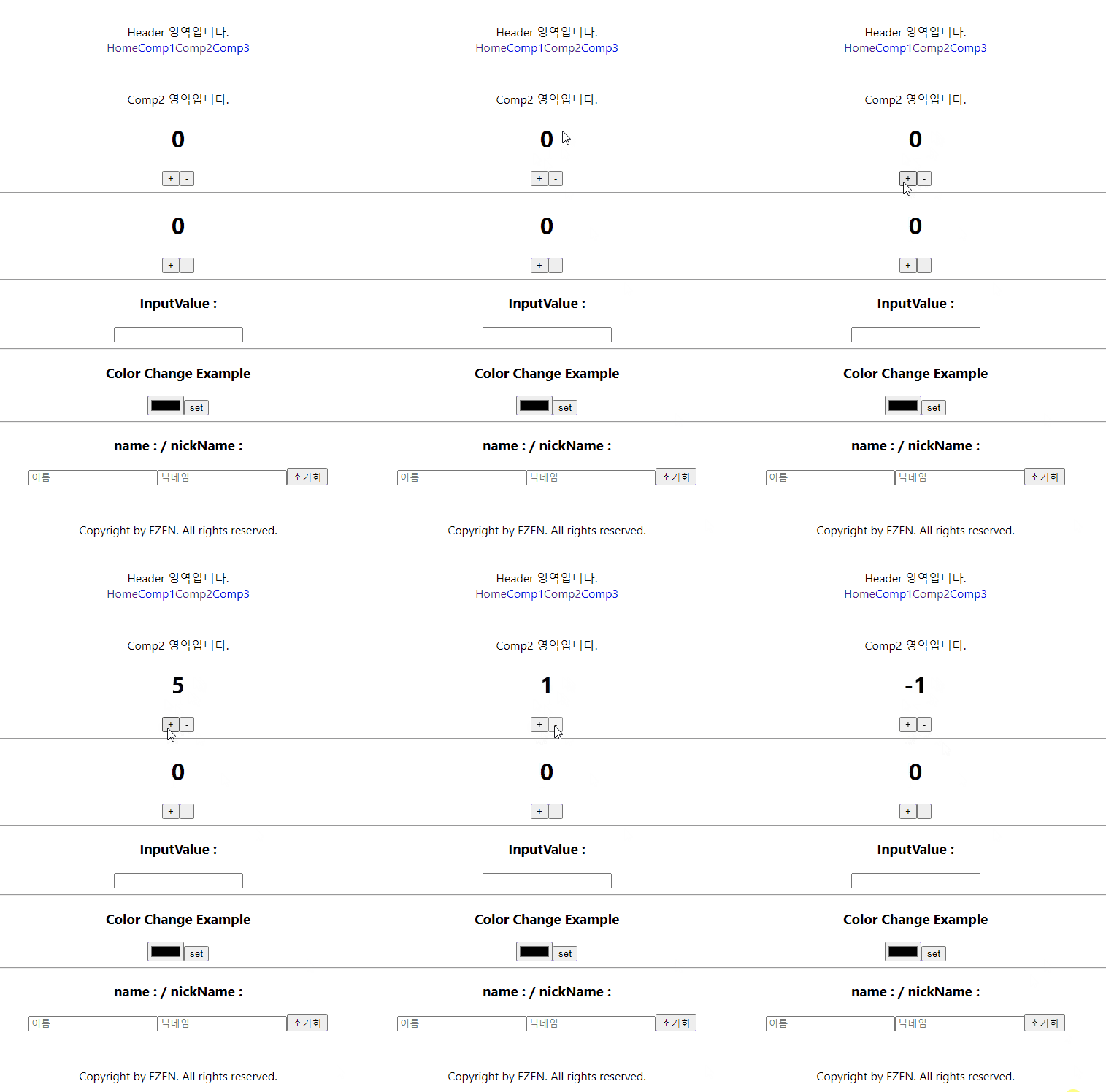
- 결과
'프론트엔드 > React' 카테고리의 다른 글
| React로 게시판 만들기(2) (1) | 2024.09.20 |
|---|---|
| React로 게시판 만들기(1) (3) | 2024.09.19 |
| Axios와 useEffect를 사용하여 데이터 가져오기 (0) | 2024.09.09 |
| TODO LIST 만들기 및 useMemo() 개념 (1) | 2024.09.09 |
| React 배열(array) 및 훅(Hook) (5) | 2024.09.06 |